top of page
David OngYJ
DIGITAL MEDIA PRODUCTION
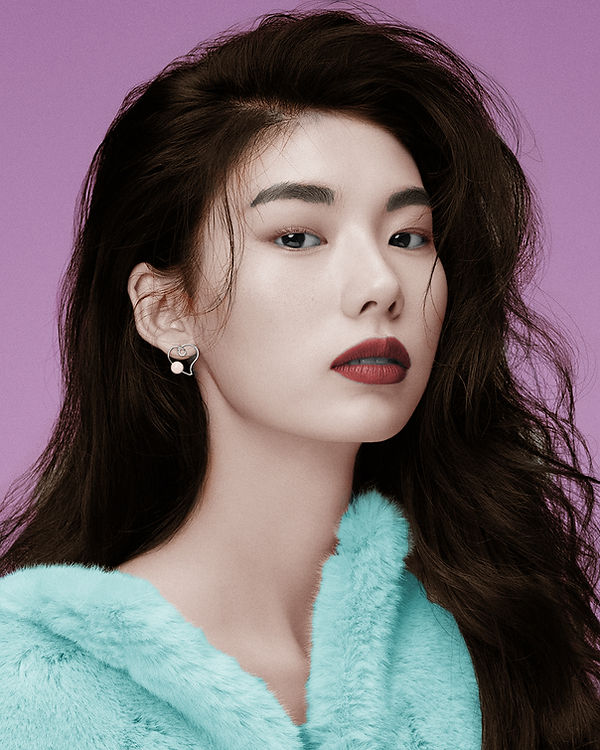
Photo Recoloring 01 (after)
.jpg)
The Power of Photoshop
Photo Recoloring and Retouching
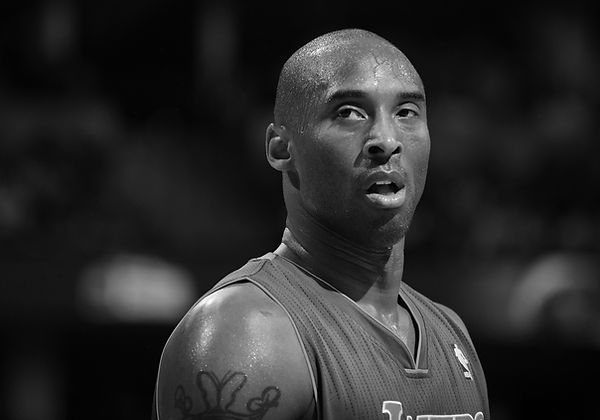
For this artwork, I brought black and white portrait photos to life with vibrant colors, showcasing my skill in using the Refine Edge Brush Tool after Select and Mask. I also delved into retouching, enhancing the model's skin to perfection—a digital form of makeup application using Photoshop.
Software used: Adobe Photoshop.
Photo Recoloring 01 (before)
.jpg)
Photo Recoloring 02 (after)
.jpg)
Photo Recoloring 02 (before)
.jpg)
Photo Recoloring 03 (after)
.jpg)
Photo Recoloring 03 (before)
.jpg)
Photo Retouching 04 (after)
.jpg)
Photo Retouching 04 (before)
.jpg)
bottom of page